> ## Documentation Index
> Fetch the complete documentation index at: https://teyroxofficial.mintlify.site/llms.txt
> Use this file to discover all available pages before exploring further.
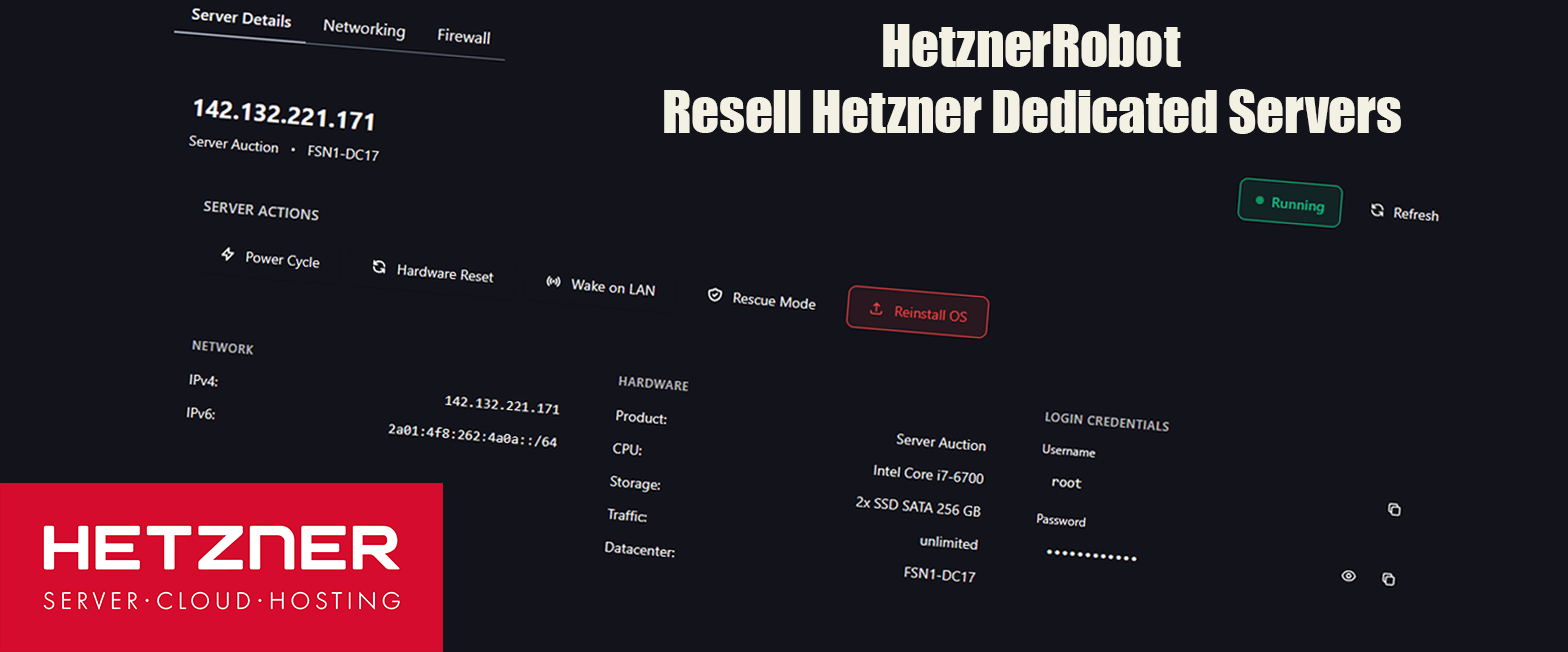
# HetznerRobot
> Resell Hetzner Dedicated Servers.
 ## Installing Extension
To install the HetznerCloudAdvanced extension, upload all files to the following directory on your server:
```md theme={null}
/extensions/Servers/
```
Directory structure should look like this:
```md theme={null}
/extensions/Servers/HetznerRobot
```
## Installing Extension
To install the HetznerCloudAdvanced extension, upload all files to the following directory on your server:
```md theme={null}
/extensions/Servers/
```
Directory structure should look like this:
```md theme={null}
/extensions/Servers/HetznerRobot
```
You can also install it via the Extension Installer tab in the admin panel simply by dropping an archive (.zip) file of the extension.
## Troubleshooting
If you encounter any issues during installation or usage of the HetznerRobot extension, please follow these steps:
Run these commands in your terminal:
```md theme={null}
npm run build
```
```md theme={null}
php artisan optimize:clear
```