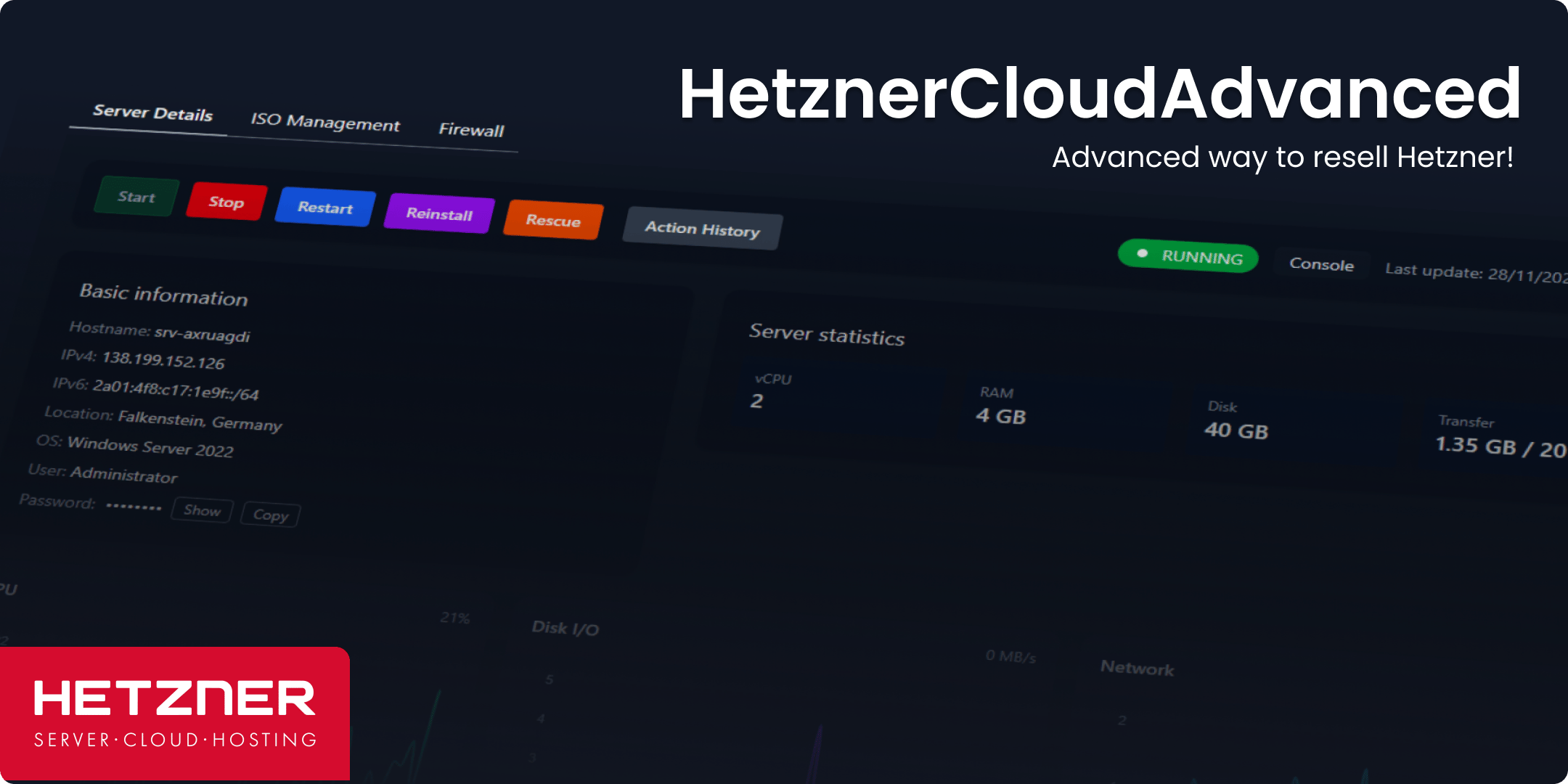
Preparing Hetzner Cloud Account

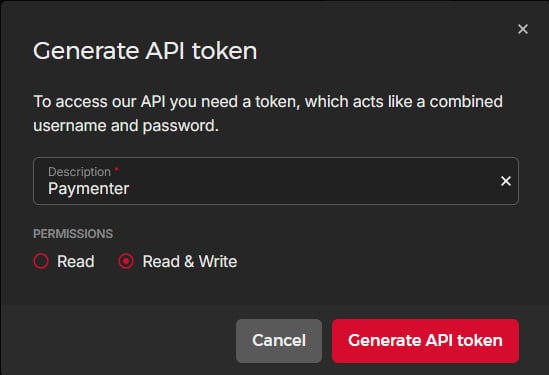
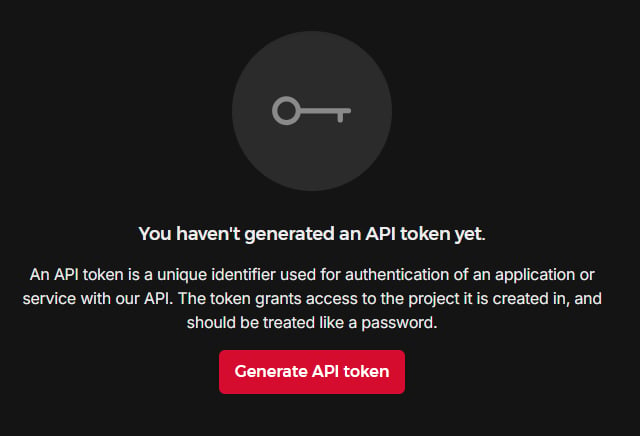
Create account first on Hetzner Cloud platform if you don’t have it already. #$# Create API Token in your Project Navigate to Security title Click on API Tokens title Click on Generate API Token, and set Permissions to Read & Write. title title

Installing Extension

To install the HetznerCloudAdvanced extension, upload all files to the following directory on your server:
    /extensions/Servers/
Directory structure should look like this:
    /extensions/Servers/HetznerCloudAdvanced

You can also install it via the Extension Installer tab in the admin panel simply by dropping an archive (.zip) file of the extension.

Troubleshooting

If you encounter any issues during installation or usage of the HetznerCloudAdvanced extension, please follow these steps: Run these commands in your terminal:
    npm run build
    php artisan optimize:clear